
Downloads
This kit includes marketing assets designed to promote your Giving Day across print, social, and digital platforms. Download all of the downloads by clicking here.
Logos
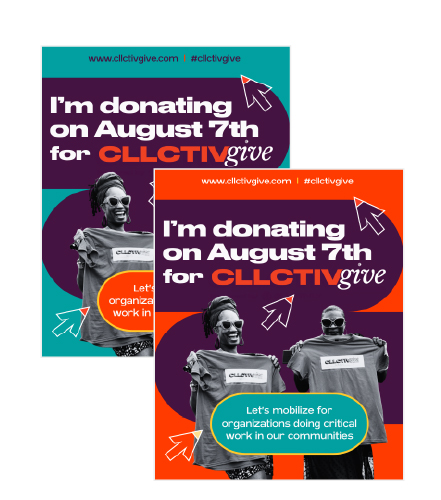
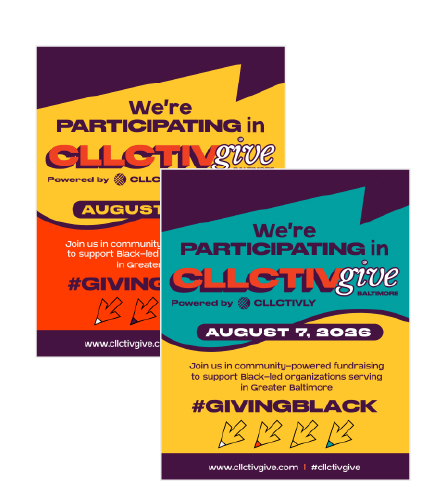
Social Media Graphics

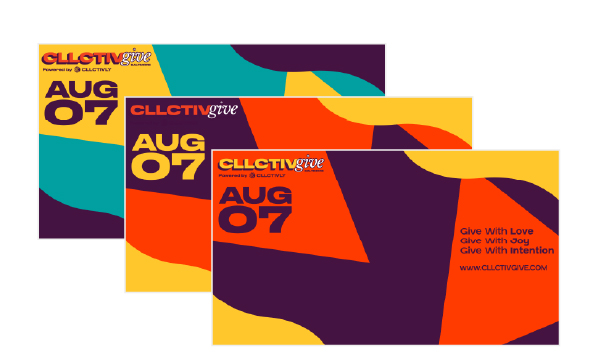
Digital Headers and Backgrounds

Canva Template
Customize your Giving Day assets using our Canva template. Open the template by clicking here.
- Click the link above to open the template in Canva.
- Click "Edit Template" — this creates your own personal copy.
- Click on the logo placeholder and select "Upload" or "Uploads" in the left sidebar to add your business logo or image.
- Drag your logo onto the placeholder — it'll snap into place.
- Resize if needed by dragging the corner handles.
- Once it looks good, click Share > Download to save it as a PNG or JPG.
Need a free Canva account to do this — sign up at canva.com if you don't have one already.